
4.8
App Store rating
1,000,000+
laps analyzed
100,000+
sessions processed
20,000+
users
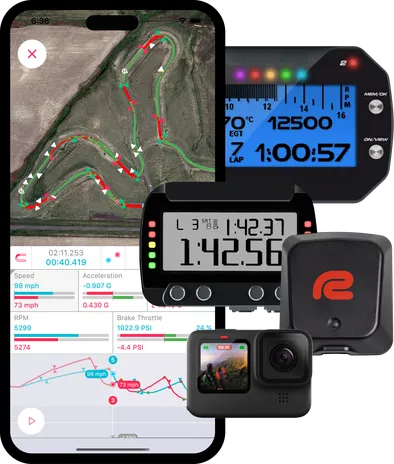
LapSnap is the most widely used lap timer data analysis app for karting, motorcycle and car track days. Drivers and riders on iOS and Android have analyzed more than one million laps with it. At select racetracks, professional reference data is available in the app so you can compare your laps against a pro.
How to use LapSnap app.
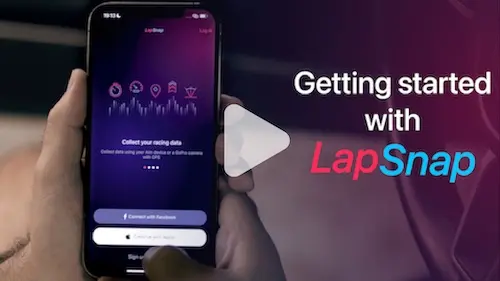
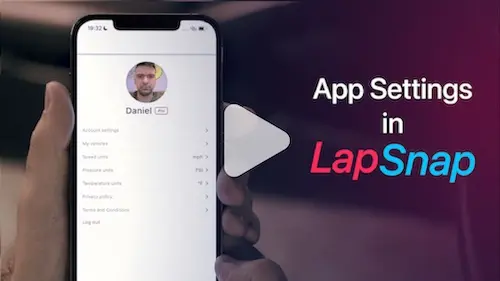
The process of data analysis can be very cumbersome. 80% of lap timer owners don't use their devices' full potential and just look at lap times. Lapsnap makes this process very easy, so that anyone could easily analyze their racing data.
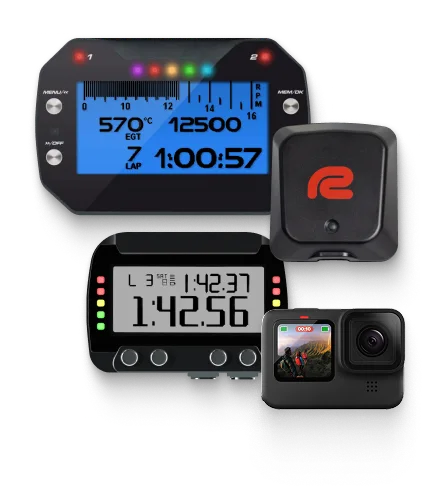
Drive with your AiM device, RaceBox Mini S, GoPro camera with GPS or just your phone.
Connect to your device and download your session data directly to your phone.
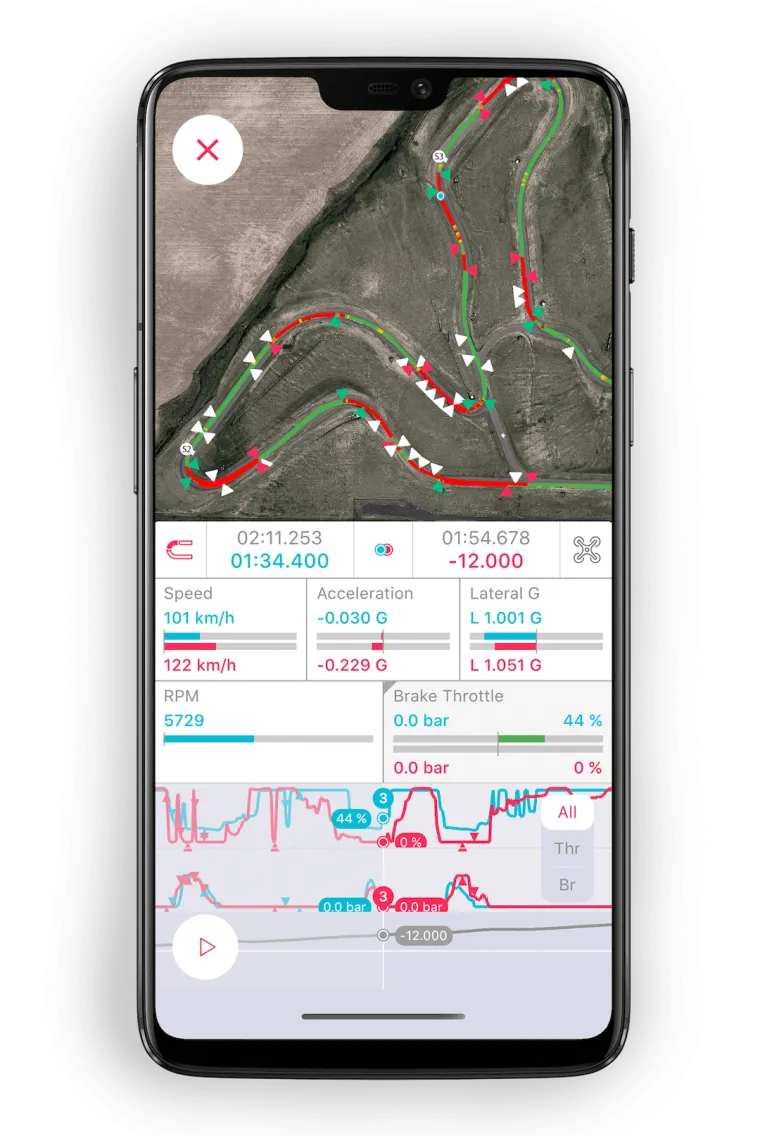
Review your lines, speeds, braking and acceleration points, compare to other laps and see how you can improve.

Easy access to each session and each lap. This way you can always refer to a particular lap.
You can analyze each lap to see why you’ve been fast or slow in a particular part of the track. You can analyze speed, acceleration or deceleration, as well as your line on the map.
Your laps are divided into sectors. By taking the best sectors of different laps we can put together an optimal lap. This way you can see what you are capable of if you get every part of you lap just right.
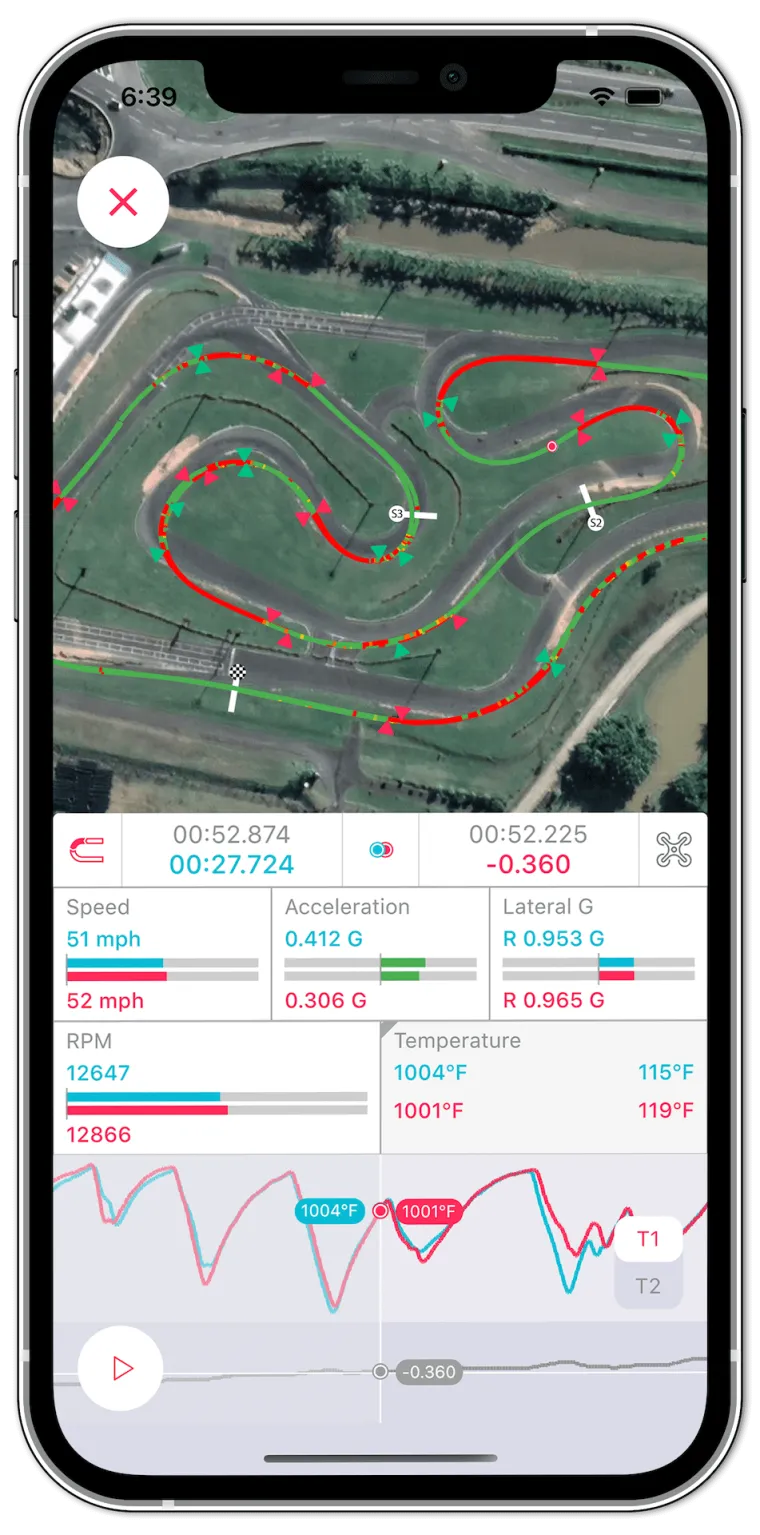
In LapSnap, you can compare each lap with your best lap, optimal lap or with someone else’s lap to see what you can do to become faster.
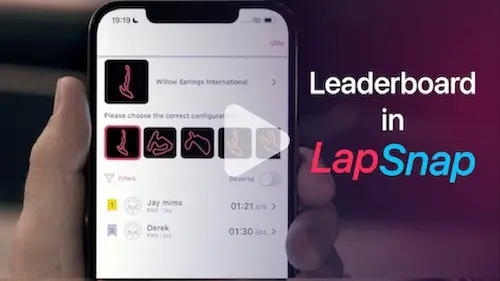
See how you stack up against other racers. Each track has a leaderboard.
Every session can contain your vehicle settings like suspension setup, gear ratio, the tires you use, etc. This way when you're coming back to a track, you can refer to the settings you used last time and not waste valuable track time finding settings that work.
New in 2026
Record a session with just your phone. No lap timer or camera required.
Share onboard video with your telemetry on screen.
Share a snapshot of a session, shown on a satellite map background.
Create sessions from RaceChrono and RaceBox CSV exports.
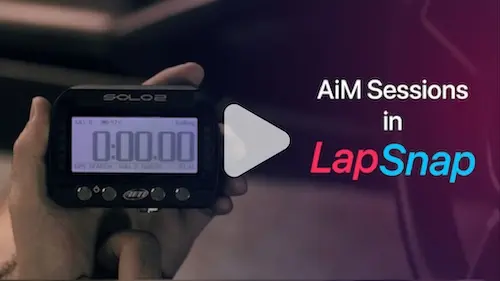
The LapSnap app works with AiM devices which have Wi-Fi. These include the Solo 2, Solo 2 DL, MyChron 5S and more. You can connect directly to your AiM device, download sessions and analyze them several seconds later.
LapSnap also supports GoPro cameras and RaceBox devices to collect and analyze GPS data. All you need is to connect to it via the LapSnap app and download the data.
No lap timer? No problem! LapSnap can also record data using just your phone.
| Device | Connection | What LapSnap gets |
|---|---|---|
| AiM Solo 2, Solo 2 DL, MyChron 5, MyChron 5S, MyChron 6 | Wi-Fi, direct from the device | GPS, lap times, logged channels like throttle, temperature, lean angle |
| RaceBox Mini, RaceBox Mini S | Bluetooth, or CSV file import | GPS, lap times, lean angle |
| GoPro cameras with GPS (Hero 5 Black and later, Max) | Wi-Fi, direct from the camera | GPS, lap times |
| RaceChrono | CSV file import | GPS, lap times |
| Phone only, no lap timer | N/A | GPS, lap times, accelerometer, IMU data |
You can visualize each lap and see what happened. By comparing laps you can see how to improve. Which lines work better, what braking points are more effective, and where you should pick your throttle up. The fact that you can compare yourself to other riders is even more valuable, since you can share your experience and gain valuable information from other racers.
LapSnap works on iPhone and iPad with iOS 15.0 or later, and on Android phones and tablets with Android 7.0 or later.
AiM Solo 2, Solo 2 DL, MyChron 5, MyChron 5S, MyChron 6 and other AiM devices with Wi-Fi; RaceBox Mini and RaceBox Mini S over Bluetooth; and GoPro cameras with GPS (Hero 5 Black and later, and Max) over Wi-Fi.
You can also import CSV exports from RaceChrono and RaceBox, or record with just your phone.
Yes. Since version 2.6.0 you can record a session with just your phone, with no lap timer or camera. You can also create sessions from RaceChrono and RaceBox CSV files.
Yes. LapSnap is used for karting, motorcycle track days and car track days. When you download a session you choose the track and the vehicle you drove.
Only to process new sessions. Sessions you have already downloaded are cached on your phone and work offline. Downloading from your lap timer or camera uses its own Wi-Fi or Bluetooth connection, and LapSnap then needs an internet connection to process the session.
Turn on Wi-Fi on your AiM device or GoPro and connect your phone to it in your phone's Wi-Fi settings. Open LapSnap, tap the plus button, choose the session and tap download.
Then choose the track, track condition and vehicle for the session. LapSnap needs an internet connection to process the session, so you may need to switch to cellular data or another Wi-Fi network at this point.
Downloading a 20-minute session takes about 30 seconds from a GoPro and 10 to 40 seconds from an AiM device, depending on how many channels it logged. Uploading for processing takes a few seconds for an AiM file and from 10 seconds to a couple of minutes for a GoPro file, depending on your connection. If a session shows Processing, pull down to refresh your list of sessions.
An Optimal Lap combines your best sectors from every lap of a session into one lap. LapSnap divides each lap into four sectors, so the Optimal Lap shows the time you could reach if you put your best sectors together.
Snap to Position compares two laps at the same spot on the track instead of at the same moment in time. It shows the speed, acceleration and time delta of both laps at that location. This way, you can compare a slower and faster session to see what the two users are doing differently at that specific point on track.
A dedicated lap timer updates 10 to 25 times a second, and this data is usually very accurate.
When you use just your phone with a 1 Hz GPS, LapSnap applies smoothing techniques and other phone sensors to approximate your location as best as possible. These systems were developed and tested at the track, and have consistently been within 0.1 seconds of a more sophisticated lap timer.
The delta time (Δt) graph shows where you gain or lose time compared to another lap, so you can see which parts of the track to work on.
LapSnap is free to download and free for your first session. All Access adds pro data, leaderboards and more. It starts with a free trial, then costs $9.99/month in the US, with discount options available for yearly passes. Prices vary by country.
More answers and device guides on the FAQ page. Still have a question? Ask your question here
Please leave your email below to get updates about LapSnap.
We hate spam, so we promise only to send important updates. Privacy Policy